
Is it real? Scan and see.
Scan the QR on the CreaPro® seal with your camera, or upload a photo of it. You’ll see what the pack is, straight away.
Prefer your phone’s camera app? Point it at the QR and tap the link. It opens the same page.
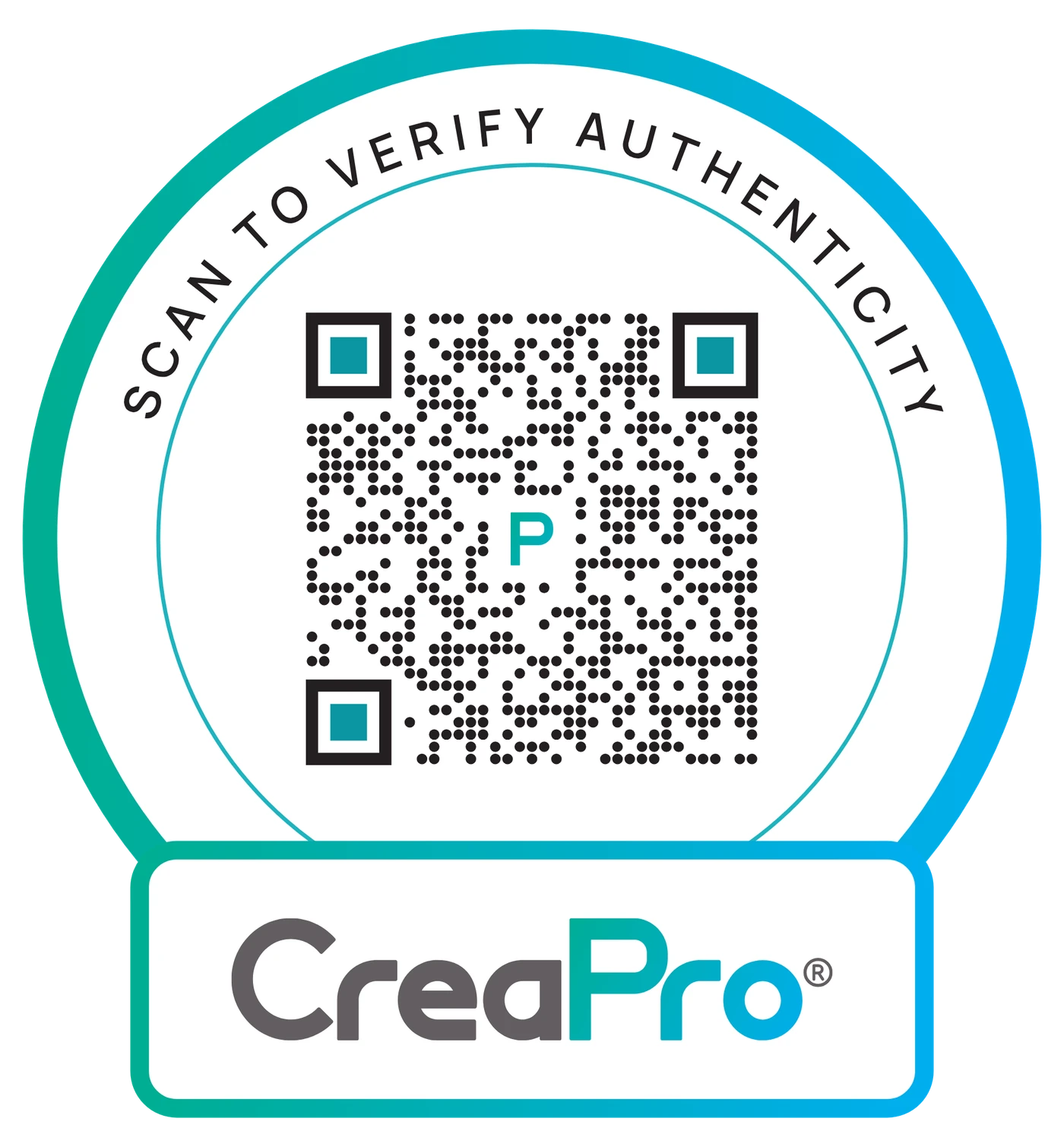
Look for the seal.
Packs made with CreaPro® carry this seal on the front: a QR code inside a ring that reads “Scan to verify authenticity”, with the CreaPro® name underneath.
- The ring“Scan to verify authenticity” around the top.
- The QRDot pattern with three teal corner squares and the CreaPro “P” in the middle.
- The nameCreaPro® in the tab underneath.
What the scan tells you.
Every scan ends in one of three answers.
The QR belongs to a product made with CreaPro®. You’ll see the pack and can open its product page.
The QR carries a CreaPro® batch code. You’ll see that batch’s release details and lab results.
The QR is not from a CreaPro® seal, or it could not be read. Try again, or contact us with a photo of the pack.
Scanning help.
Yes. Scanning works in current browsers on iPhone, Android and computers. You can also point your phone’s own camera app at the QR on the seal and tap the link it shows.
Allow camera access for this site in your browser settings, or tap “Upload a photo” and choose a photo of the seal instead. Both give the same result.
No. The QR code is read inside your browser, on your own device. The photo is never sent to us or stored.
Take the photo again straight on, in good light, with the whole seal in the frame. If it is still not recognised, email us a photo of the seal and the pack at sales@creapro.org.